The issue
You've activated your esim.vn China eSIM, but TikTok still freezes, lags, or won't let you log in while you're in mainland China.
Common cause
TikTok checks several signals at once to work out your location: your IP address, the SIM/eSIM in use, GPS location, and your App Store/Google Play account region. So even with an international eSIM active, if just one of these isn't handled correctly — for example, location services are still turned on — TikTok can still get blocked.
How to fix it
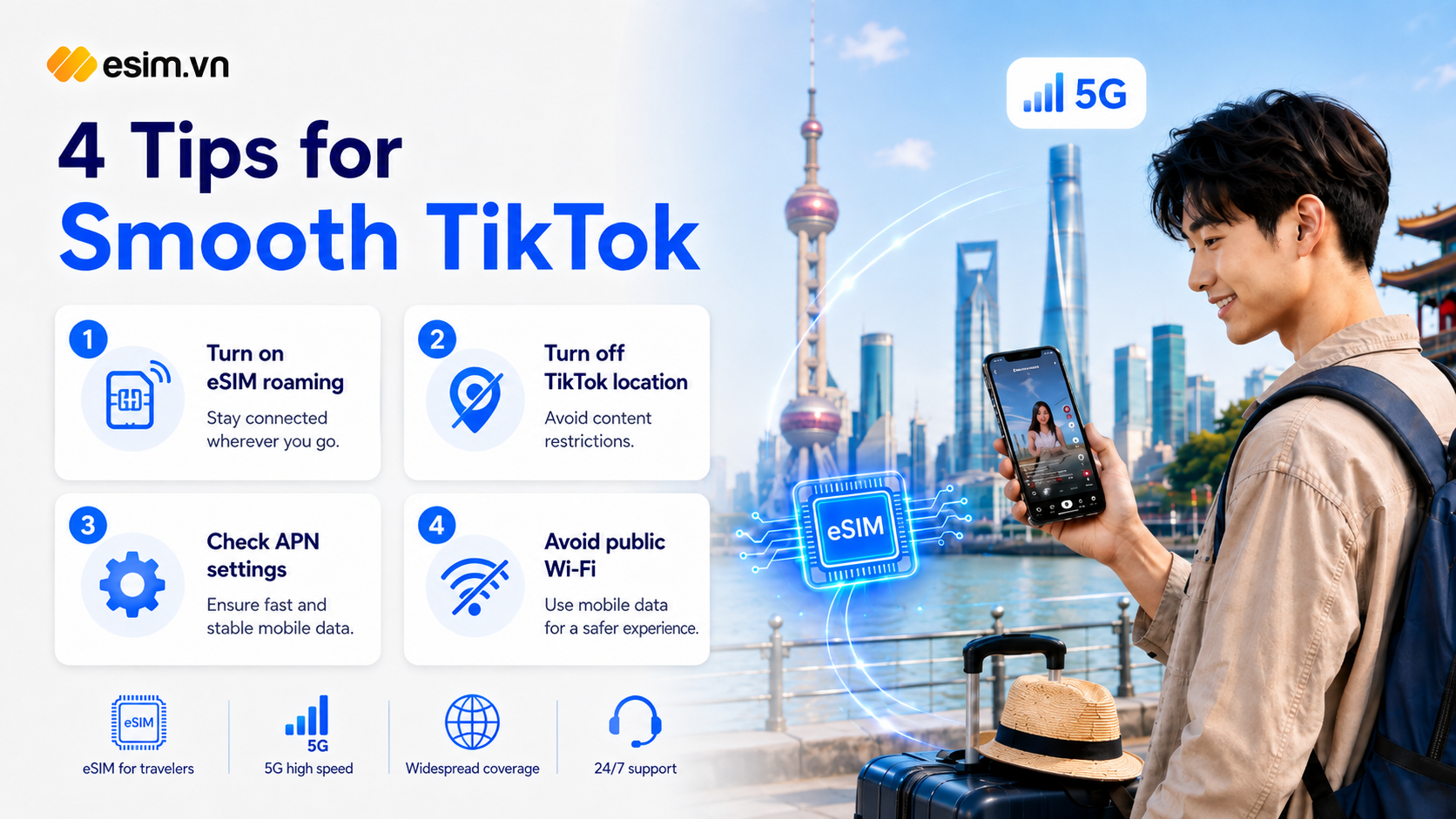
Make sure your esim.vn China travel eSIM is set as your default data SIM.
Turn off location access for TikTok: go to TikTok's Settings and Privacy > Privacy > Location Services and select "Never," then also disable location access for TikTok at your phone's system settings level.
Double-check your APN settings against the instructions esim.vn sent you when you activated the eSIM - an incorrect APN is a common cause of having signal but no actual internet access.
Avoid hotel or public Wi-Fi entirely; use only your eSIM's mobile data.
If it's still not working: toggle Airplane Mode on and off → clear TikTok's cache or reinstall the app → try opening tiktok.com in a browser before reopening the app.
If you're in Hong Kong or Macau, none of these steps are needed - TikTok works normally in both regions.
If you've tried everything above and TikTok still isn't working, contact esim.vn's support team for direct assistance.