How to Use TikTok in China Without Getting Blocked
Many travelers arrive in China with a free VPN installed or a travel eSIM "guaranteed to work with TikTok," only to find the app still freezes, crashes, or logs them out. That's because TikTok doesn't rely on just one signal to figure out where you are — it checks several at once. Understanding this is the key to picking the right fix from the start, instead of trying one workaround after another.
Why doesn't TikTok work in China?
China runs a nationwide internet filtering system known as the "Great Firewall." It blocks the servers that international TikTok relies on directly, so even with a valid account, a mainland Chinese network simply can't reach TikTok.
Douyin — the version of TikTok built specifically for the Chinese market — is a completely separate app, with different servers and a different account system. Installing Douyin will not get you back into your international TikTok account.
How does TikTok know you're in China?
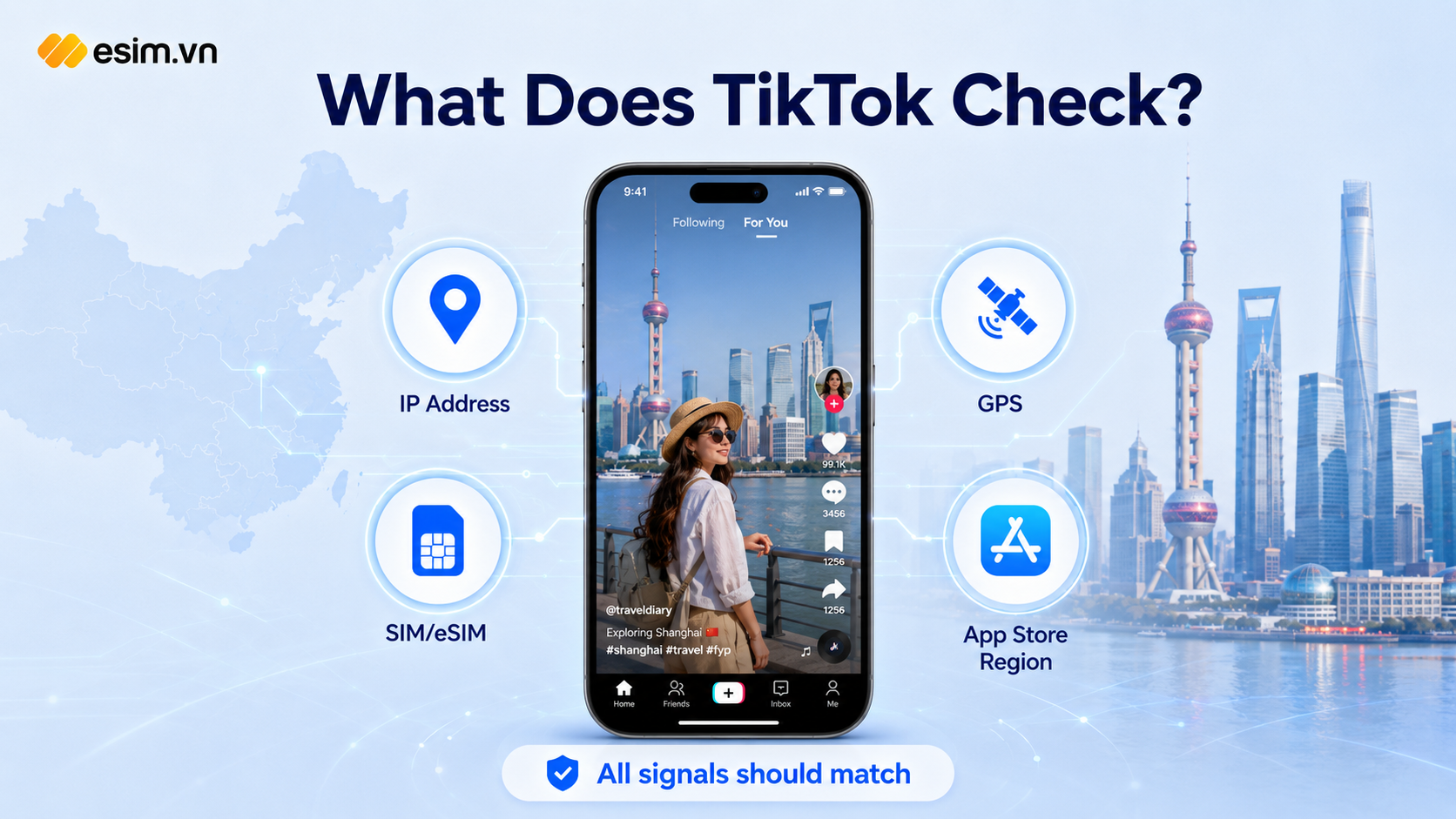
This is the part most guides skip, but it's the key to understanding why some tricks only work halfway. TikTok checks several things at once:
Your IP address — which country's network it belongs to
Your SIM/eSIM — a Chinese SIM is flagged immediately, even if your IP looks "clean"
GPS location — the coordinates your device reports
App Store/Google Play account region
So fixing just one of these (say, turning on a VPN while leaving location services on) usually isn't enough. You need to handle both the network side and the location side at the same time.
Quick comparison of common methods
Method | How stable is it? | Notes |
|---|---|---|
International travel eSIM/SIM | Most stable | Roams through Hong Kong/Singapore gateways, no need to switch on and off constantly. Choose a plan built specifically for China, such as a China eSIM, rather than a local Chinese SIM relabeled as "international" |
VPN | Unreliable | The Great Firewall regularly scans for and blocks VPN protocols; using an unlicensed VPN in mainland China is also technically against local regulations, though enforcement against individual tourists is rare |
Changing DNS | Barely helps | China blocks at the connection level, not just the DNS level |
Fake GPS location | Risky | Doesn't address the IP/SIM signal, and can get your account flagged for suspicious activity |
Hotel/public Wi-Fi | Avoid | Can trigger a temporary TikTok lockout lasting several days |
How to use TikTok reliably with an eSIM (recommended)
Before you fly:
Check whether your phone supports eSIM (most phones from 2020 onward do), then buy and test-activate a China eSIM while you're still at home, by scanning the QR code your provider emails you
Update TikTok to the latest version
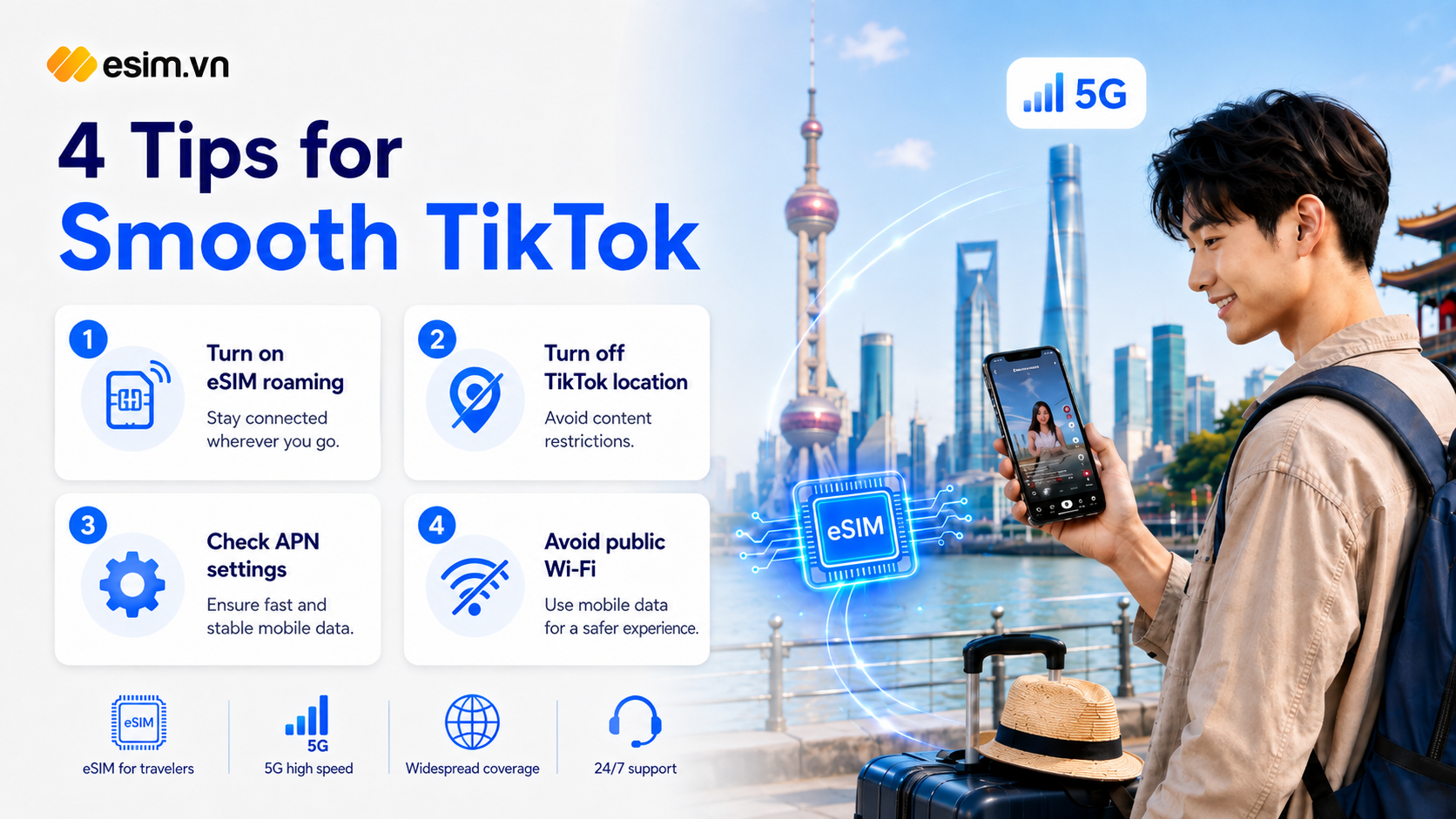
Go to TikTok's Settings and Privacy > Privacy > Location Services, and select "Never"
Also turn off location access for TikTok at the phone's system settings level
Once you land in China:
Turn on data roaming for your eSIM, and make sure any physical local SIM is not set as your primary data SIM
Double-check the APN settings your eSIM provider sent you (a wrong APN is a very common issue — you'll have signal but no actual internet access)
Avoid public or hotel Wi-Fi entirely; use only your eSIM's mobile data
Reopen TikTok, log in, and give the app a few minutes to sync
If it still doesn't work: confirm your eSIM is set as the default data SIM → toggle Airplane Mode on and off → clear the app's cache or reinstall it → try opening tiktok.com in a browser first before opening the app again.
Note: Hong Kong and Macau are different from mainland China
Hong Kong and Macau don't apply the Great Firewall, so TikTok works normally there, just like anywhere else. If your itinerary includes both, you only need to apply the tips above once you cross into mainland China.
Frequently asked questions
Can I use a Chinese SIM together with a VPN? You can, temporarily, but expect unpredictable drops — especially during holidays or major events, when network controls tend to tighten.
Will my account get permanently banned? Usually it's just a temporary restriction of a few hours to a few days if the system flags your login as unusual — not a permanent ban.
Where's a reliable place to buy a China eSIM? Look for a provider that clearly states the roaming carrier, data allowance, validity period, and offers activation support before departure — for example a China eSIM plan. Steer clear of unusually cheap plans with no clear details about their origin.
Which other countries still restrict TikTok?
As of mid-2026, besides mainland China, countries with a full public ban include India (since 2020), Afghanistan, Iran, North Korea, and a few Central Asian countries such as Uzbekistan, Tajikistan, and Kyrgyzstan. Countries like the US, UK, Canada, Australia, and many EU nations only restrict TikTok on government-issued devices, which doesn't affect individual travelers. Other popular destinations — Hong Kong, Taiwan, Japan, South Korea, Southeast Asia — all have normal TikTok access. Policies can change quickly, so it's worth double-checking closer to your travel date if you're heading to any of the countries above.
Bottom line
To keep TikTok running smoothly throughout your China trip, handle three things at once: the network (use an international travel eSIM with the correct APN settings), location (turn off GPS), and your connection environment (avoid local Wi-Fi). Preparing properly before you fly will save you most of the headaches and let you scroll through TikTok without interruption for the whole trip.
If your next trip isn't limited to China, you can also check out other international travel eSIM plans for more destinations.